Background Removal API — Remove Image Backgrounds Instantly
Remove image backgrounds automatically in seconds. Upload a photo or pass a URL and get back a clean PNG with transparent background — no manual selection needed. Also replace backgrounds with blur, solid color, or gradient effects.
See It in Action
Drag the slider to compare the original image with the processed result. Switch between endpoints below.





Features
High Accuracy
Handles people, products, animals, complex scenes, and fine details like hair, fur, and semi-transparent objects.
Fast Processing
Optimized for low latency. Get results in seconds with our production-ready inference pipeline.
Flexible Input
Upload a file via multipart or pass a public image URL via JSON — both work seamlessly.
Background Effects
Go beyond removal: blur, solid color, or gradient backgrounds with dedicated endpoints.
Multiple Formats
Supports JPEG, PNG, WebP, BMP, TIFF and other common image formats. Up to 10 MB.
Cloud-Based
No GPU needed on your end. Fully managed cloud infrastructure handles the processing.
API Reference
5 endpoints, simple integration. Here's everything you need.
Supported Content Types
https://background-removal-ai.p.rapidapi.com/remove-backgroundRemove the background from an image. Returns a PNG with transparent background (RGBA).
imagefilerequiredImage file (JPEG, PNG, WebP, etc.) — use with multipart/form-data
image_urlstringrequiredPublic URL of the image to process — use with application/json
Send either image (file upload) or image_url (JSON/form), not both.
https://background-removal-ai.p.rapidapi.com/blur-backgroundBlur the background while keeping the foreground subject sharp. Returns a PNG image.
imagefilerequiredImage file (JPEG, PNG, WebP, etc.)
image_urlstringrequiredPublic URL of the image to process
blur_radiusintegerBlur intensity, 1 (subtle) to 50 (heavy). Default: 15
Send either image or image_url, not both.
https://background-removal-ai.p.rapidapi.com/color-backgroundReplace the background with a solid color. Returns a PNG image.
imagefilerequiredImage file (JPEG, PNG, WebP, etc.)
image_urlstringrequiredPublic URL of the image to process
bg_colorstringrequiredBackground color as R,G,B,A (each 0-255), e.g. 255,140,0,255
Send either image or image_url, not both.
https://background-removal-ai.p.rapidapi.com/gradient-backgroundReplace the background with a vertical gradient (top to bottom). Returns a PNG image.
imagefilerequiredImage file (JPEG, PNG, WebP, etc.)
image_urlstringrequiredPublic URL of the image to process
top_colorstringrequiredTop gradient color as R,G,B,A (each 0-255)
bottom_colorstringrequiredBottom gradient color as R,G,B,A (each 0-255)
Send either image or image_url, not both.
https://background-removal-ai.p.rapidapi.com/image-backgroundReplace the background with a background image of your choice, composited server-side. Returns a PNG image.
imagefilerequiredSubject image file (JPEG, PNG, WebP, etc.)
image_urlstringrequiredPublic URL of the subject image to process
bg_imagefilerequiredBackground image file to composite the subject onto
bg_image_urlstringrequiredPublic URL of the background image (use instead of bg_image)
Send the subject as image or image_url, and the background as bg_image or bg_image_url.
Response
Returns JSON with image_url (CDN link to the processed PNG), width, height, and size_bytes.
Limits
- Maximum image size: 10 MB
- Supported formats: JPEG, PNG, WebP, BMP, TIFF
- Output format: PNG
- URL download timeout: 10 seconds
Quick Start
Copy-paste code to get started in seconds. Replace YOUR_API_KEY with your RapidAPI key.
# File upload
curl -X POST "https://background-removal-ai.p.rapidapi.com/remove-background" \
  -H "x-rapidapi-key: YOUR_API_KEY" \
  -H "x-rapidapi-host: background-removal-ai.p.rapidapi.com" \
  -F "image=@photo.jpg" \
  --output result.png

# JSON with URL
curl -X POST "https://background-removal-ai.p.rapidapi.com/remove-background" \
  -H "x-rapidapi-key: YOUR_API_KEY" \
  -H "x-rapidapi-host: background-removal-ai.p.rapidapi.com" \
  -H "Content-Type: application/json" \
  -d '{"image_url": "https://example.com/photo.jpg"}' \
  --output result.png
Pricing
Start free, scale as you grow. All plans include full API access with no credit card required for the free tier.
Basic
100 requests/mo
- Full API access
- All endpoints
- Standard support
Pro
10,000 requests/mo
- Full API access
- All endpoints
- Standard support
Ultra
50,000 requests/mo
- Full API access
- All endpoints
- Standard support
Mega
200,000 requests/mo
- Full API access
- All endpoints
- Standard support
Frequently Asked Questions
- How does the background removal API generate transparent PNGs?
- The background removal API uses AI to detect the foreground subject and remove the background, producing a clean PNG with an alpha transparency channel. It handles complex edges like hair, fur, and semi-transparent objects for professional-quality cutouts.
- Can I replace the background instead of removing it?
- Yes. In addition to transparent background removal, the API offers dedicated endpoints to blur the background, replace it with a solid color (RGBA), or apply a vertical gradient. Each effect endpoint returns a processed PNG via a CDN URL.
- What image formats and sizes does the background removal API support?
- The API accepts JPEG, PNG, WebP, BMP, and TIFF images up to 10 MB. You can upload a file via multipart/form-data or pass a public image URL via JSON. Output is always a high-quality PNG delivered through a CDN link.
Tutorials & Guides
Learn how to integrate this API with step-by-step tutorials and real-world use cases.
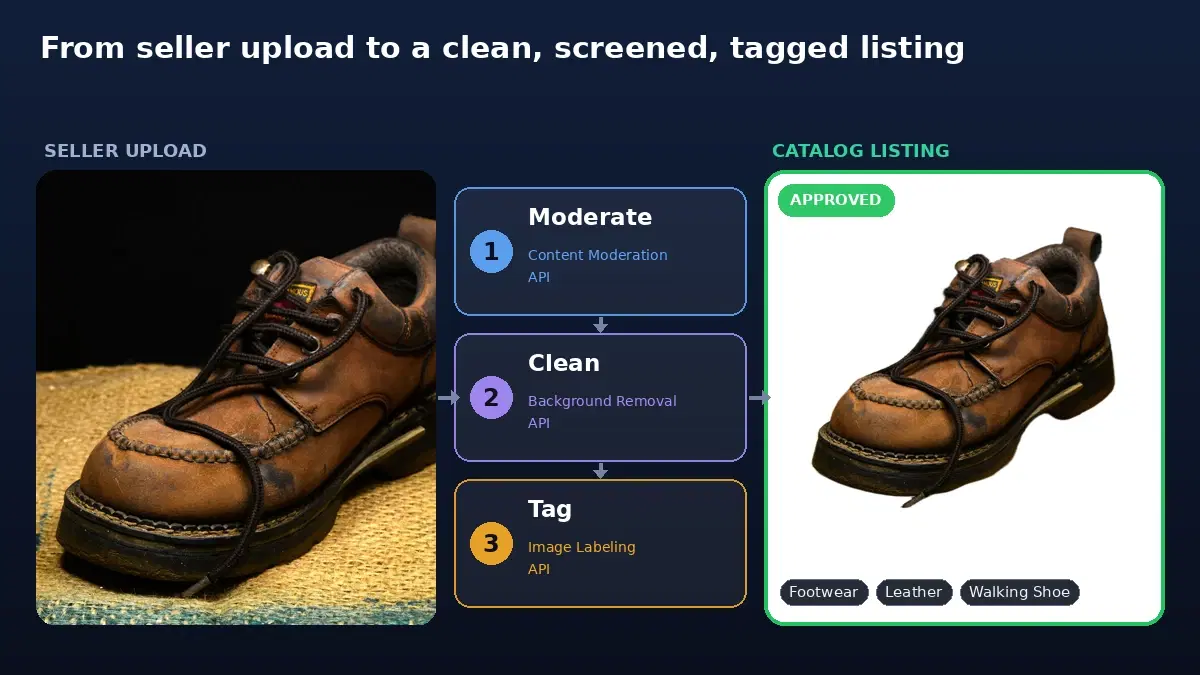
Marketplace Product Image Pipeline: Moderate, Clean, Tag
Process seller-uploaded product images for a marketplace with three APIs in one Python pipeline: screen for prohibited content, remove the background, and auto-tag for search.
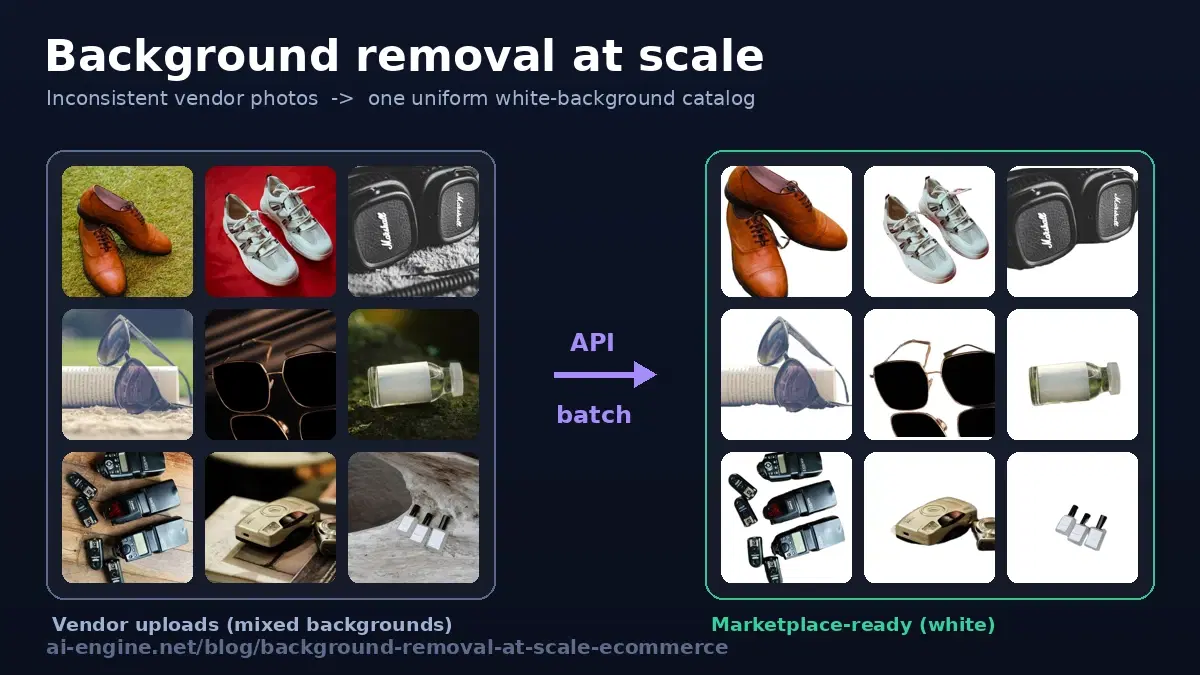
Background Removal at Scale: High-Volume API for Ecommerce
Process thousands of product photos with a background removal API. Batch and concurrent patterns, white-background output for marketplaces, and Python code.
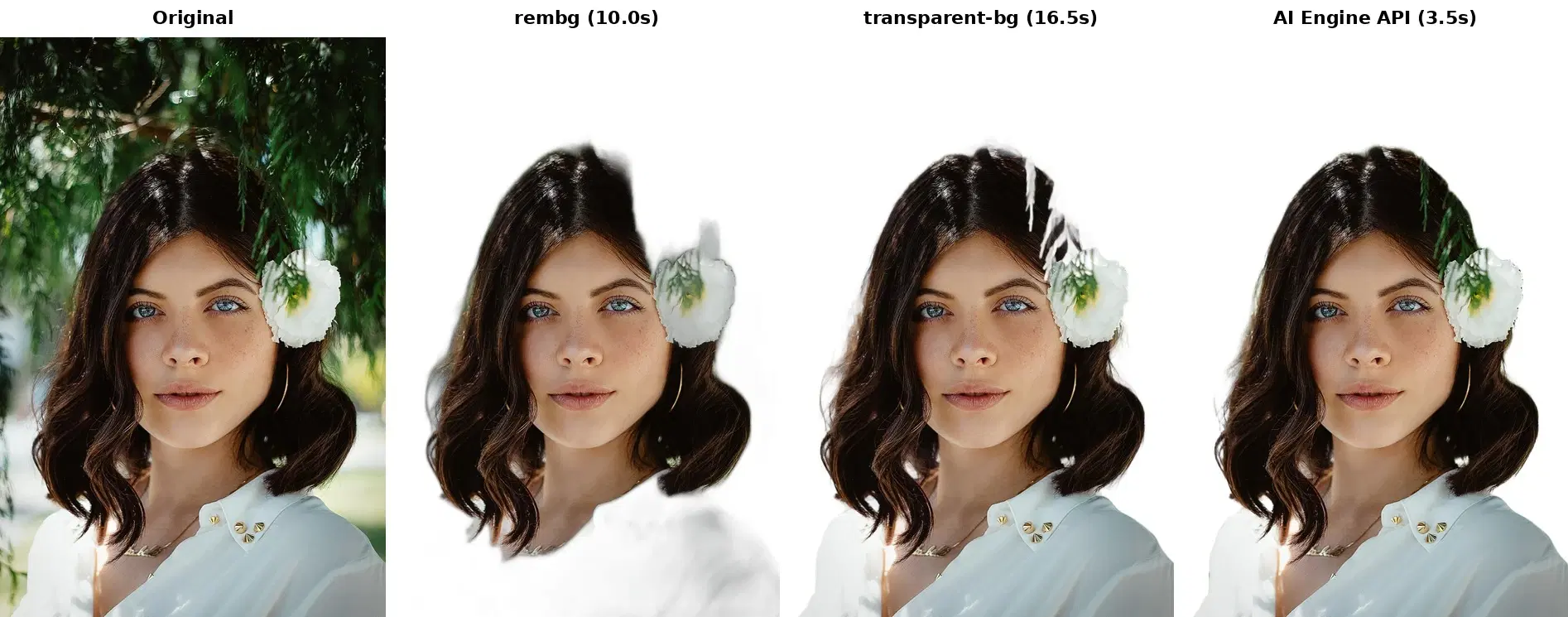
rembg vs Cloud API for Background Removal: How to Choose
Compare rembg and transparent-background to a cloud background removal API. Side-by-side results, benchmarks, and code examples.

Transparent Background PNG: Create Image Cutouts with an API
Create transparent background PNGs with a background removal API. Covers edge quality, batch processing, and code examples in Python and JavaScript.
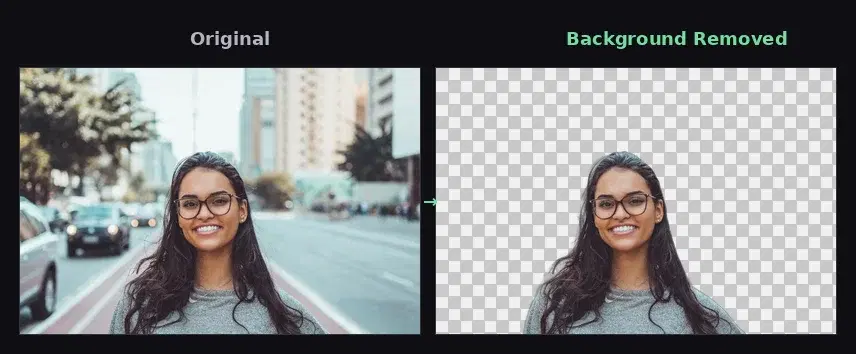
5 Best Background Removal APIs — Pricing & Comparison
Compare the top background removal APIs: remove.bg, PhotoRoom, Clipdrop, Slazzer, and AI Engine. Pricing, features, and code examples.

How to Remove Image Backgrounds with an API
Remove image backgrounds with a REST API in Python, cURL, or JavaScript. One call for a transparent PNG, plus white, blurred, and gradient backgrounds, with verified code.
Start Using Background Removal Today
Sign up on RapidAPI to get your API key. The free tier includes generous monthly requests — no credit card required.