Object Detection API — Identify & Locate Objects in Images
Detect and label objects in images with bounding boxes and confidence scores. Upload a photo or pass a URL to get structured JSON results with object names, positions, and detection confidence.
Features
Multi-Object Detection
Detect and classify multiple objects in a single image with precise bounding box coordinates.
Fast Inference
Optimized model for low-latency processing. Get structured results in seconds.
Flexible Input
Upload a file via multipart or pass a public image URL — both work seamlessly.
Confidence Scores
Each detection includes a confidence score to help you filter and threshold results.
Bounding Boxes
Get precise bounding box coordinates for each detected object to overlay on your images.
Cloud-Based
No GPU needed on your end. Fully managed cloud infrastructure handles the processing.
API Reference
1 endpoint, simple integration. Here's everything you need.
Supported Content Types
https://objects-detection.p.rapidapi.com/objects-detectionDetect and label objects in an image. Returns a list of detected objects with bounding boxes, labels, and confidence scores.
imagefilerequiredImage file (JPEG, PNG, etc.) — use with multipart/form-data
urlstringrequiredPublic URL of the image to process — use with application/x-www-form-urlencoded
Send either image (file upload) or url (form-encoded), not both.
{
  "statusCode": 200,
  "body": {
    "labels": [
      {
        "Name": "Car",
        "Confidence": 98.65,
        "Categories": [{ "Name": "Vehicles and Automotive" }],
        "Instances": [
          {
            "BoundingBox": {
              "topLeft": { "x": 0.60, "y": 0.51 },
              "bottomRight": { "x": 0.93, "y": 0.79 }
            },
            "Confidence": 98.65
          }
        ]
      }
    ],
    "keywords": ["City", "Street", "Car", "Transportation"]
  }
}
Response
Returns JSON with an array of detected objects, each containing label, confidence score, and bounding box coordinates.
Quick Start
Copy-paste code to get started in seconds. Replace YOUR_API_KEY with your RapidAPI key.
# File upload
curl -X POST "https://objects-detection.p.rapidapi.com/objects-detection" \
  -H "x-rapidapi-key: YOUR_API_KEY" \
  -H "x-rapidapi-host: objects-detection.p.rapidapi.com" \
  -F "image=@photo.jpg"

# URL input
curl -X POST "https://objects-detection.p.rapidapi.com/objects-detection" \
  -H "x-rapidapi-key: YOUR_API_KEY" \
  -H "x-rapidapi-host: objects-detection.p.rapidapi.com" \
  -H "Content-Type: application/x-www-form-urlencoded" \
  -d "url=https://example.com/photo.jpg"
Pricing
Start free, scale as you grow. All plans include full API access with no credit card required for the free tier.
Basic
30 requests/mo
- Full API access
- All endpoints
- Standard support
Pro
5,000 requests/mo
- Full API access
- All endpoints
- Standard support
Ultra
10,000 requests/mo
- Full API access
- All endpoints
- Standard support
Mega
50,000 requests/mo
- Full API access
- All endpoints
- Standard support
Frequently Asked Questions
- What objects can the object detection API identify in images?
- The object detection API recognizes a wide range of common objects including vehicles, people, animals, furniture, electronics, and more. Each detected object is returned with a label, confidence score, category, and bounding box coordinates for precise localization within the image.
- How do I use the image recognition API to detect multiple objects?
- Simply upload an image or pass a public URL to the API endpoint. The object detection model automatically identifies and labels all recognizable objects in a single request, returning structured JSON with each object's name, confidence score, and bounding box position.
- Can I filter object detection results by confidence level?
- Yes. Every detected object includes a confidence score between 0 and 100. You can apply your own threshold on the client side to filter out low-confidence detections and keep only the results that meet your application's accuracy requirements.
Tutorials & Guides
Learn how to integrate this API with step-by-step tutorials and real-world use cases.
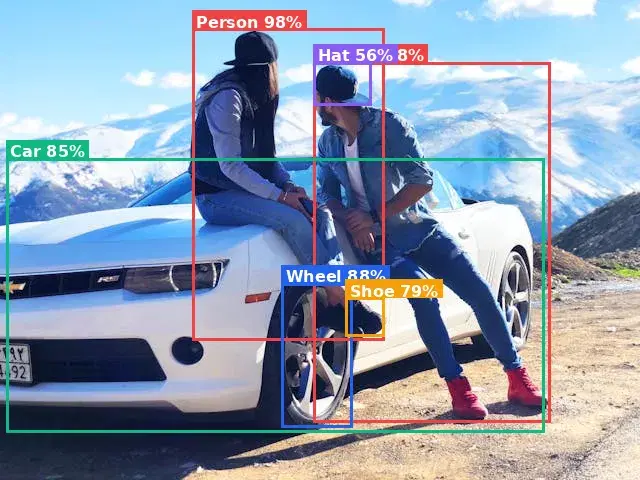
RF-DETR vs YOLO vs Cloud API: Which Should You Actually Use in 2026?
We ran RF-DETR, YOLOv11, and a Cloud Object Detection API on the same image. Here are the real numbers on speed, accuracy, and cost.
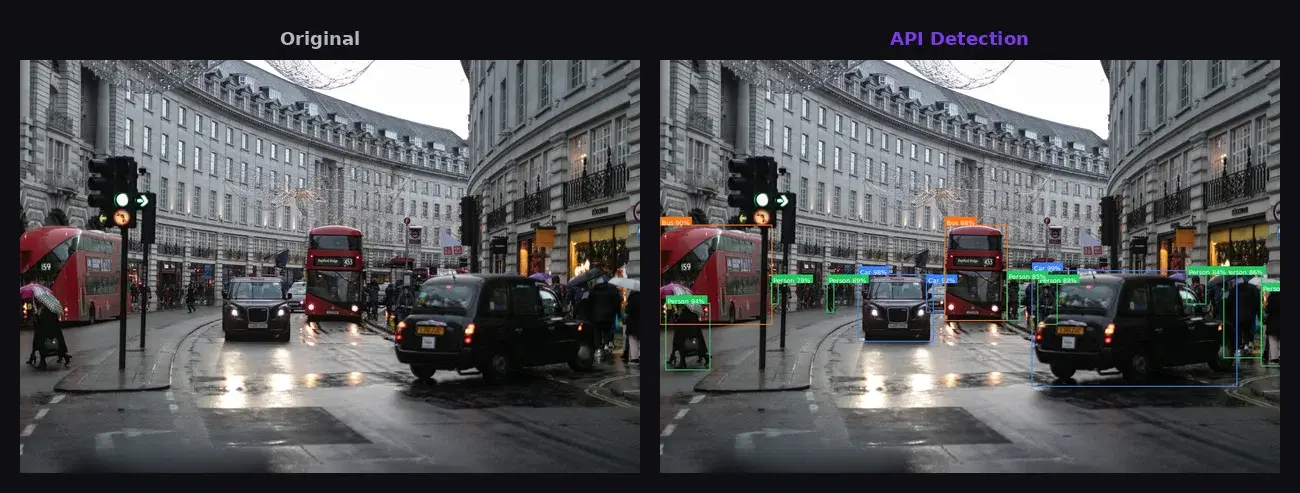
YOLO vs Cloud API for Object Detection: How to Choose
Compare YOLO and Cloud Object Detection APIs on setup, cost, latency, and scalability. Side-by-side code examples to help you choose.
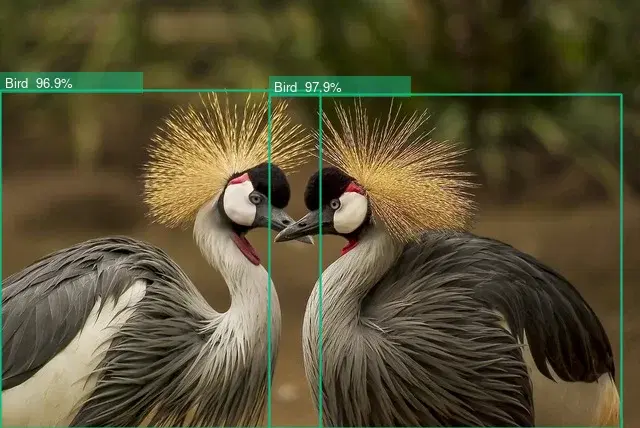
How to Detect Objects in Images Using AI
Step-by-step tutorial on using an object detection API to identify and locate objects in images. Includes cURL, Python, and JavaScript code examples.
Start Using Object Detection Today
Sign up on RapidAPI to get your API key. The free tier includes generous monthly requests — no credit card required.