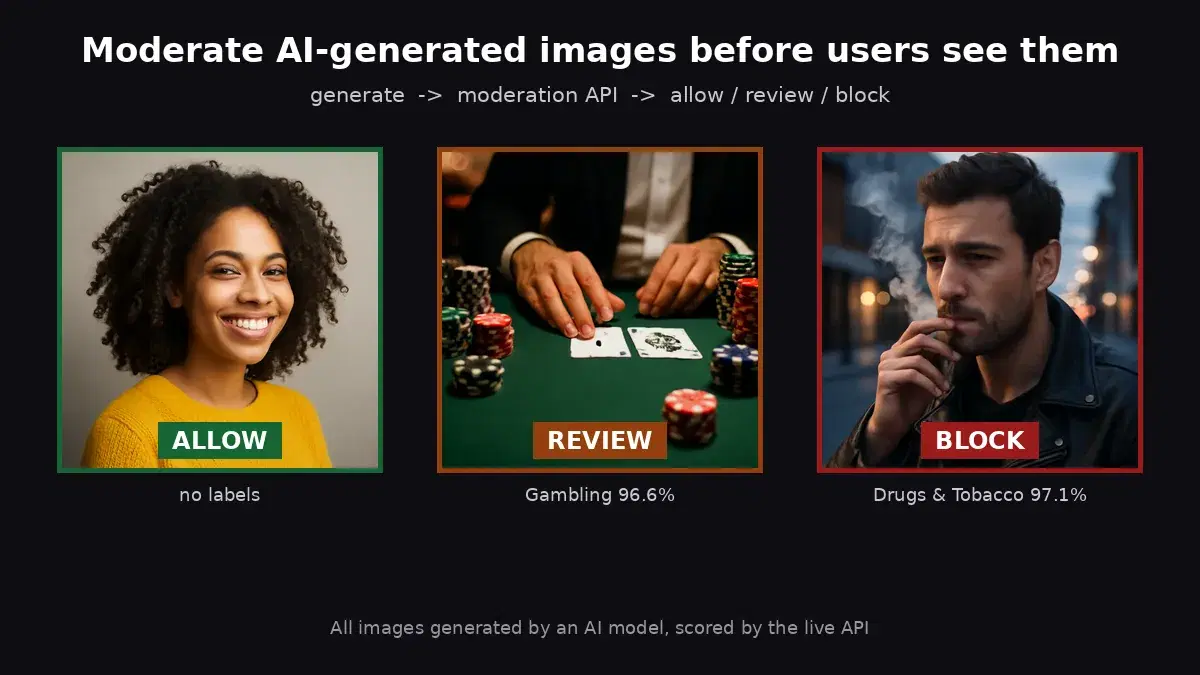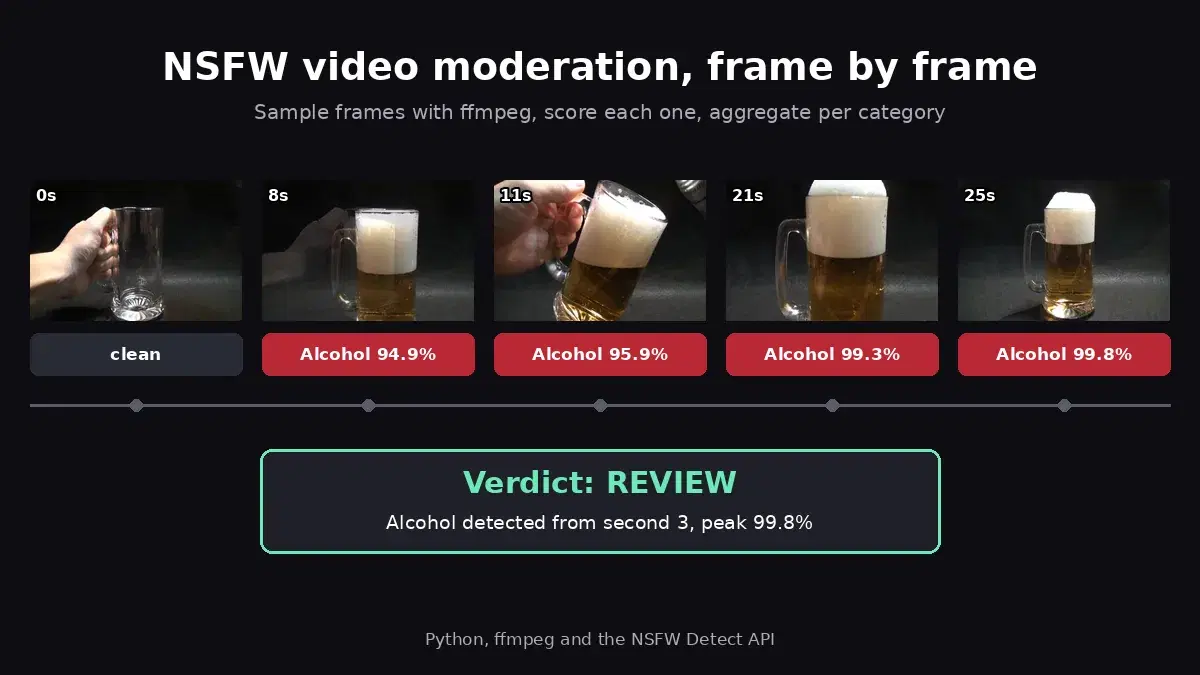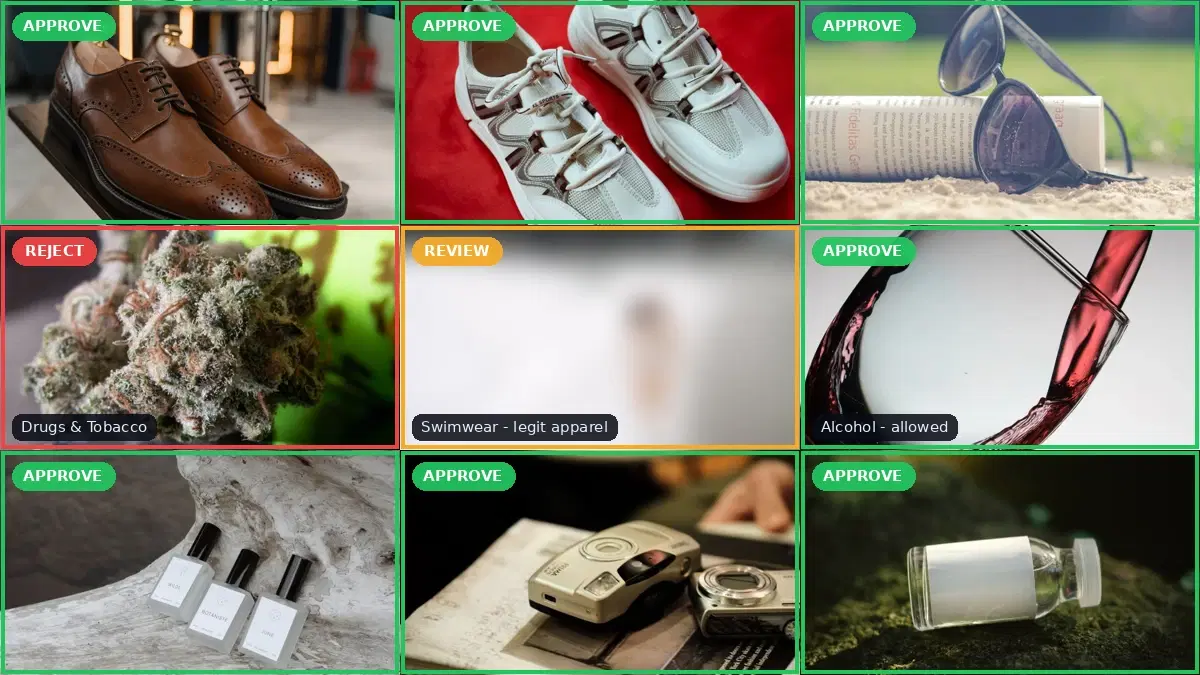
This tutorial uses the NSFW Detect API. See the docs, live demo, and pricing.
Some platforms need to display flagged content with a blur overlay instead of removing it entirely. Dating apps, art communities, and news sites often blur NSFW content and let users opt in to view it. This tutorial shows you how to detect NSFW images with an API and apply a Gaussian blur using Python and Pillow.
What You Will Build
A Python script that takes an image URL, sends it to the NSFW Detect API for classification, and applies a full-image blur if the content is flagged. The result is saved as a new file. You can integrate this into an upload pipeline, a background job, or a Discord bot.
The flow is simple:
- Send the image to the NSFW detection endpoint
- Check if any label exceeds your confidence threshold
- If flagged, download the image and apply a Gaussian blur
- Save the blurred version alongside the original
Prerequisites
- Python 3.8+
- An API key from NSFW Detect on RapidAPI
- Pillow and Requests libraries
pip install requests PillowStep 1: Detect NSFW Content
First, send the image URL to the NSFW detection API and check the moderation labels. The API returns confidence scores for each category (Explicit Nudity, Suggestive, Violence, etc.), so you can decide which categories trigger a blur.
import requests

NSFW_API_URL = "https://nsfw-detect3.p.rapidapi.com/nsfw-detect"
HEADERS = {
    "x-rapidapi-host": "nsfw-detect3.p.rapidapi.com",
    "x-rapidapi-key": "YOUR_API_KEY",
    "Content-Type": "application/x-www-form-urlencoded",
}

BLUR_CATEGORIES = {
    "Explicit Nudity",
    "Suggestive",
    "Violence",
    "Visually Disturbing",
}
CONFIDENCE_THRESHOLD = 75


def should_blur(image_url: str) -> bool:
    """Returns True if the image contains NSFW content above threshold."""
    response = requests.post(
        NSFW_API_URL, headers=HEADERS, data={"url": image_url}
    )
    labels = response.json()["body"]["ModerationLabels"]

    for label in labels:
        if (
            label["Name"] in BLUR_CATEGORIES
            and label["Confidence"] > CONFIDENCE_THRESHOLD
        ):
            return True
    return False
Step 2: Apply Gaussian Blur with Pillow
If the image is flagged, download it and apply a Gaussian blur. A radius of 30–50 makes the content unrecognizable while still showing the general composition. You can adjust the radius based on how aggressive you want the blur to be.
from PIL import Image, ImageFilter
from io import BytesIO


def blur_image(image_url: str, output_path: str, radius: int = 40):
    """Download an image and save a blurred version."""
    response = requests.get(image_url)
    img = Image.open(BytesIO(response.content))
    blurred = img.filter(ImageFilter.GaussianBlur(radius=radius))
    blurred.save(output_path)
    print(f"Blurred image saved to {output_path}")
    return output_path
Step 3: Put It All Together
Combine detection and blurring into a single function that processes an image URL and returns either the original (if safe) or a blurred version (if flagged):
import requests
from PIL import Image, ImageFilter
from io import BytesIO
from pathlib import Path

NSFW_API_URL = "https://nsfw-detect3.p.rapidapi.com/nsfw-detect"
HEADERS = {
    "x-rapidapi-host": "nsfw-detect3.p.rapidapi.com",
    "x-rapidapi-key": "YOUR_API_KEY",
    "Content-Type": "application/x-www-form-urlencoded",
}

BLUR_CATEGORIES = {
    "Explicit Nudity",
    "Suggestive",
    "Violence",
    "Visually Disturbing",
}
CONFIDENCE_THRESHOLD = 75
BLUR_RADIUS = 40


def moderate_and_blur(image_url: str, output_dir: str = ".") -> dict:
    """Detect NSFW content and blur if necessary.

    Returns a dict with 'action' ('blurred' or 'safe') and 'path'.
    """
    # Step 1: Detect
    response = requests.post(
        NSFW_API_URL, headers=HEADERS, data={"url": image_url}
    )
    result = response.json()
    labels = result["body"]["ModerationLabels"]

    flagged = [
        label for label in labels
        if label["Name"] in BLUR_CATEGORIES
        and label["Confidence"] > CONFIDENCE_THRESHOLD
    ]

    if not flagged:
        return {"action": "safe", "labels": [], "path": None}

    # Step 2: Download and blur
    img_response = requests.get(image_url)
    img = Image.open(BytesIO(img_response.content))
    blurred = img.filter(ImageFilter.GaussianBlur(radius=BLUR_RADIUS))

    output_path = Path(output_dir) / "blurred_output.jpg"
    blurred.save(output_path, "JPEG", quality=85)

    return {
        "action": "blurred",
        "labels": [f"{l['Name']} ({l['Confidence']:.0f}%)" for l in flagged],
        "path": str(output_path),
    }


# Usage
result = moderate_and_blur("https://example.com/user-upload.jpg")
if result["action"] == "blurred":
    print(f"Image blurred. Flagged: {', '.join(result['labels'])}")
    print(f"Saved to: {result['path']}")
else:
    print("Image is safe, no blur needed")
Real-World Use Cases
Dating and Social Apps
Dating platforms like Bumble and Hinge blur explicit profile photos by default and let users choose whether to reveal them. You can implement the same pattern: run every uploaded photo through the detection step, store the blurred version alongside the original, and serve the blurred version by default with an “Show image” button.
Content Feeds and Forums
Reddit and similar platforms use NSFW tags with a blur overlay. When a user marks content as NSFW — or when your automated system flags it — you show the blurred thumbnail in the feed. Clicking through reveals the original with a consent screen.
News and Media Platforms
News organizations often need to show graphic content (war footage, accident scenes) for editorial reasons but with a content warning. Automatically blurring images flagged under “Violence” or “Visually Disturbing” categories adds a protective layer without editorial judgment calls on every image.
Tips and Best Practices
Tune the Confidence Threshold
A threshold of 75% balances false positives and false negatives. Lower it (e.g., 50%) for stricter moderation on children’s platforms. Raise it (e.g., 90%) for art communities where borderline content is acceptable.
Adjust Blur Radius by Category
Not all flagged content needs the same blur intensity. You might use a heavy blur (radius 50) for Explicit Nudity but a lighter blur (radius 20) for Suggestive content, giving users a visual hint of what the image contains.
Cache Blurred Versions
Do not re-blur images on every request. Generate the blurred version once at upload time and store both versions (original + blurred) in your file storage. Serve the appropriate version based on the user’s content preferences.
Process Uploads Asynchronously
For high-traffic platforms, do not block the upload response on the NSFW check. Accept the upload, return a response immediately, and process the moderation + blur in a background job. Show a placeholder until processing completes.
Combine with Other Moderation Signals
Image blur is one layer. Combine it with text moderation, user reputation scores, and community reports for a robust moderation system. See our guide on automating content moderation at scale for the full picture.
Next Steps
You now have a working NSFW blur pipeline in Python. To take it further:
- Integrate it into a Discord moderation bot to blur images before they appear in channels
- Compare moderation solutions in our NSFW detection API comparison guide
- Try the NSFW Detect API with your own images to test confidence thresholds
- Apply the same Pillow blur to people in a photo with the face blurring guide for GDPR anonymization