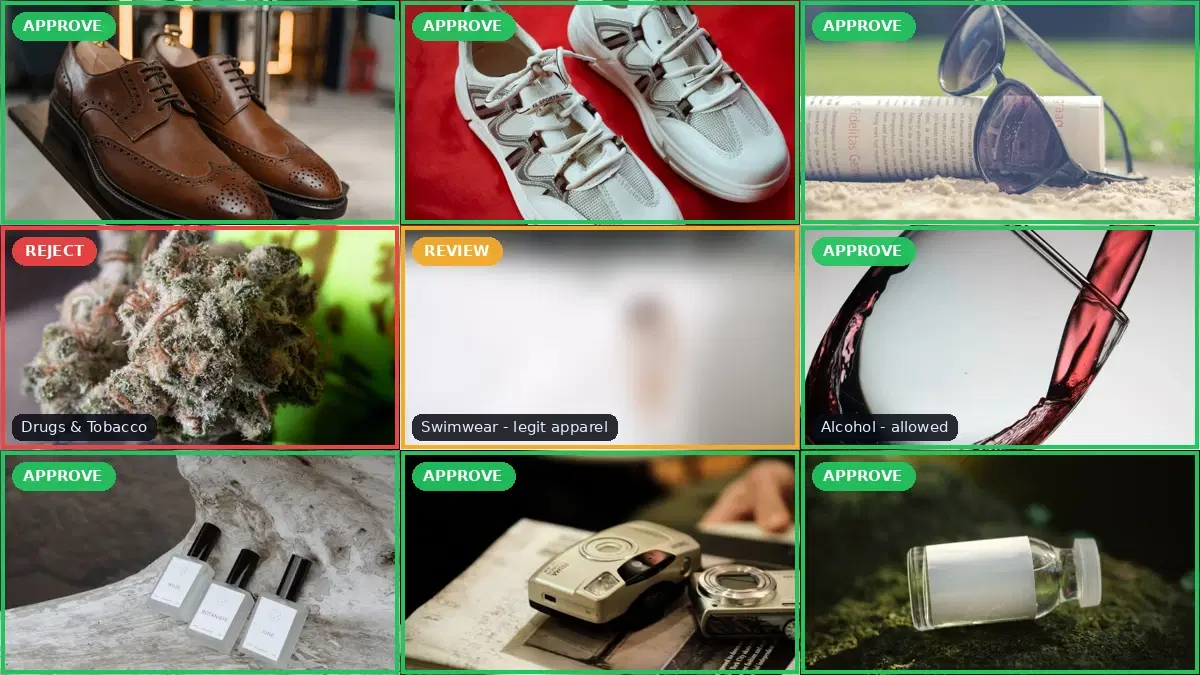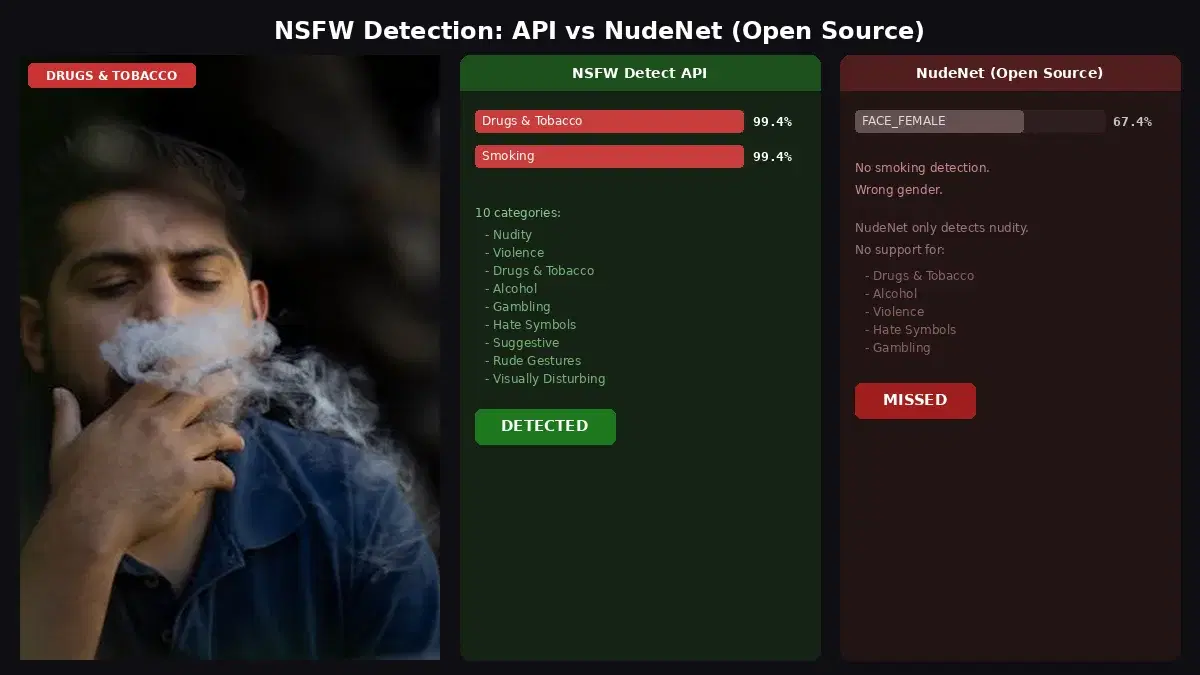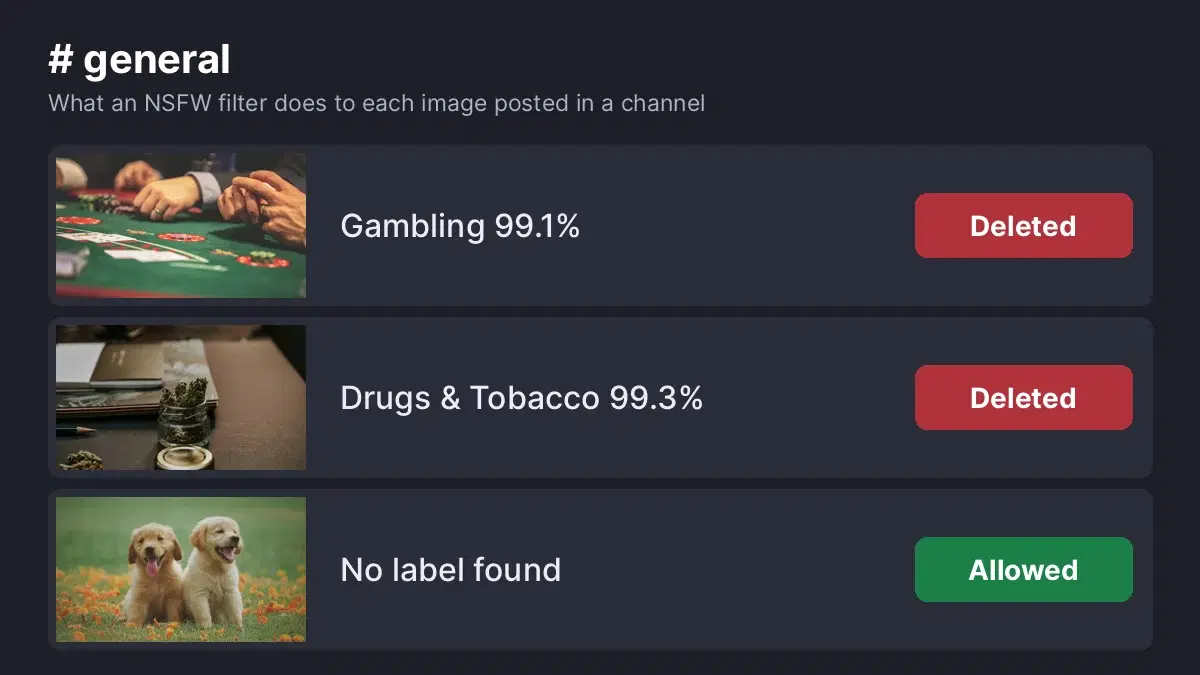
This tutorial uses the NSFW Detect API. See the docs, live demo, and pricing.
A single explicit image in a public channel can drive members away and put your server at risk under Discord's rules. A Discord NSFW bot for moderation scans what people post and removes explicit images before most members see them. This guide compares four bots that detect and delete NSFW media, then shows how to build your own filter when you need custom rules.
We only list bots that block NSFW content, not bots that serve it. Features come from each bot's own website, documentation or listing, checked on October 31, 2026. We did not run them side by side, so test your choice on a private server first.
Quick Comparison
| Option | Scans | Actions | Runs on |
|---|---|---|---|
| Moderator Bot | Images, GIFs, stickers, video frames | Deletes by default; optional strikes, timeouts, bans | Hosted |
| SfwBot | Images, plus hash blacklists | Configurable actions, strikes, logs | Hosted |
| DeGore | Images and GIFs in non-NSFW channels | Deletes; category settings with /config | Hosted |
| Beholder | Images, GIFs, video, text inside images | Delete, log, moderator review | Self-hosted, open source |
| Your own bot + NSFW Detect | Whatever your code sends | Anything your code does | Your server |
1. Moderator Bot
Moderator Bot says it “checks images, GIFs, stickers and video frames” and deletes NSFW media from day one. Strikes, timeouts and bans only start if you enable them in the dashboard, and each deletion can be logged with its reason. It also covers scam images, phishing links and captcha for new members.
Best for: servers that want broad media coverage and a quick setup. By default it also deletes NSFW images in 18+ channels, and you can turn that off.
2. SfwBot
SfwBot combines image detection with hash-based blacklists. You adjust sensitivity, whitelists and actions in a web dashboard. It also includes anti-spam rules, link and invite filters, and a trust system with strikes.
Best for: communities that want NSFW filtering and general moderation in one bot, managed from a dashboard.
3. DeGore
DeGore scans images sent in non-NSFW channels, and its bot listing says it deletes explicit images and GIFs automatically. You start it with /setup and turn image categories on or off with /config. Its invite link requests Administrator permission, so review that before you authorize it.
Best for: admins who want a focused image filter with simple commands.
4. Beholder
Beholder is an open source bot under the Apache-2.0 license. It reads text inside images and matches it against your pattern lists, blocks known images by hash, and detects NSFW imagery. It also scans GIFs and MP4, MKV and WEBM videos, and moderators can block, time out, kick or ban from a review flow.
Best for: technical teams that want to host the code themselves. You build it, run a MySQL database, and keep its NSFW detection service running.
5. Build Your Own with an NSFW Detection API
A custom bot lets you decide exactly what is removed in each server. A gaming community might allow alcohol but block gambling, while a server for teens can block both. The NSFW Detect API returns top-level categories such as Explicit, Violence, Drugs & Tobacco and Gambling, each with a confidence score, so your rules fit in a small dictionary:
import os
import requests

API_URL = "https://nsfw-detect3.p.rapidapi.com/nsfw-detect"
HEADERS = {
    "x-rapidapi-host": "nsfw-detect3.p.rapidapi.com",
    "x-rapidapi-key": os.environ["RAPIDAPI_KEY"],
}

# Your server rules: top-level category -> minimum confidence to delete
DELETE_RULES = {
    "Explicit": 50,
    "Non-Explicit Nudity of Intimate parts and Kissing": 70,
    "Violence": 70,
    "Visually Disturbing": 70,
    "Hate Symbols": 70,
    "Drugs & Tobacco": 80,
    "Gambling": 80,
    "Alcohol": 80,
}


def check_attachment(image_url):
    """Return ("delete", category, score) or ("allow", None, None)."""
    response = requests.post(API_URL, headers=HEADERS, data={"url": image_url})
    for label in response.json()["body"]["ModerationLabels"]:
        minimum = DELETE_RULES.get(label["Name"])
        if label["ParentName"] == "" and minimum and label["Confidence"] >= minimum:
            return "delete", label["Name"], round(label["Confidence"], 1)
    return "allow", None, None
We ran this function on real images through the live API. Your bot calls it with the attachment URL and deletes the message when the first value is delete:
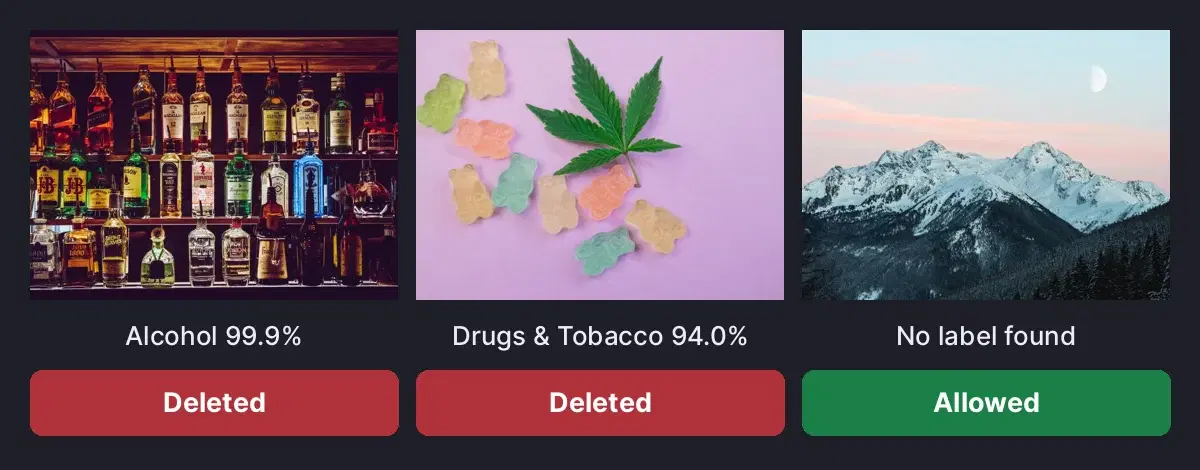
For the full bot with discord.py, warnings and a mod log channel, follow our Discord NSFW moderation bot tutorial. To blur images instead of deleting them, see how to blur NSFW content in Python. For GIFs and clips, use the NSFW video moderation guide.
How to Choose
- Fast setup with wide media coverage: Moderator Bot.
- NSFW filtering plus anti-spam and a dashboard: SfwBot.
- A focused image filter: DeGore.
- Open source code on your own server: Beholder.
- Your own rules per category or per server: a custom bot with the NSFW Detect API.
Before You Add a Bot
- Check the permissions on the invite screen and grant only what the bot needs.
- Place the bot's role high enough to manage messages in the channels it scans.
- Create a private log channel so moderators can review each deletion.
- Test on a private server with safe sample images, such as alcohol or playing cards.
- Decide how age-restricted channels should be treated, then set the bot to match.
Sources
Frequently Asked Questions
- What is the best Discord bot to block NSFW images?
- For the widest hosted coverage, Moderator Bot lists images, GIFs, stickers and video frames, and deletes NSFW media from the start. SfwBot suits servers that want a dashboard and an anti-spam system in the same bot. Beholder fits teams that want to self-host open source code, and your own bot with an NSFW detection API fits servers that need custom rules.
- What permissions does a Discord NSFW filter bot need?
- A bot must be able to see the channels it scans and needs Manage Messages to delete posts. A custom bot also needs the Message Content intent enabled in the Discord Developer Portal. Check the invite screen before you authorize a bot, since some request full Administrator rights.
- Can I build my own Discord NSFW bot?
- Yes. A Python bot can listen for new messages, send each image to an NSFW detection API, and delete the message when a category passes your threshold. You choose the categories, the thresholds and what happens next, such as a warning or a log entry.