This tutorial uses the Face Analyzer API. See the docs, live demo, and pricing.
Phone galleries, family archives, a photographer's backlog: after a few years, the question is always the same. Where are all the photos of this person? Google Photos and Apple Photos answer it with a "People" view, but your own app, NAS or photo SaaS has to build it. This guide shows how to group photos by face in Python: every face is detected, matched against the people already known, and each photo lands in one album per person.
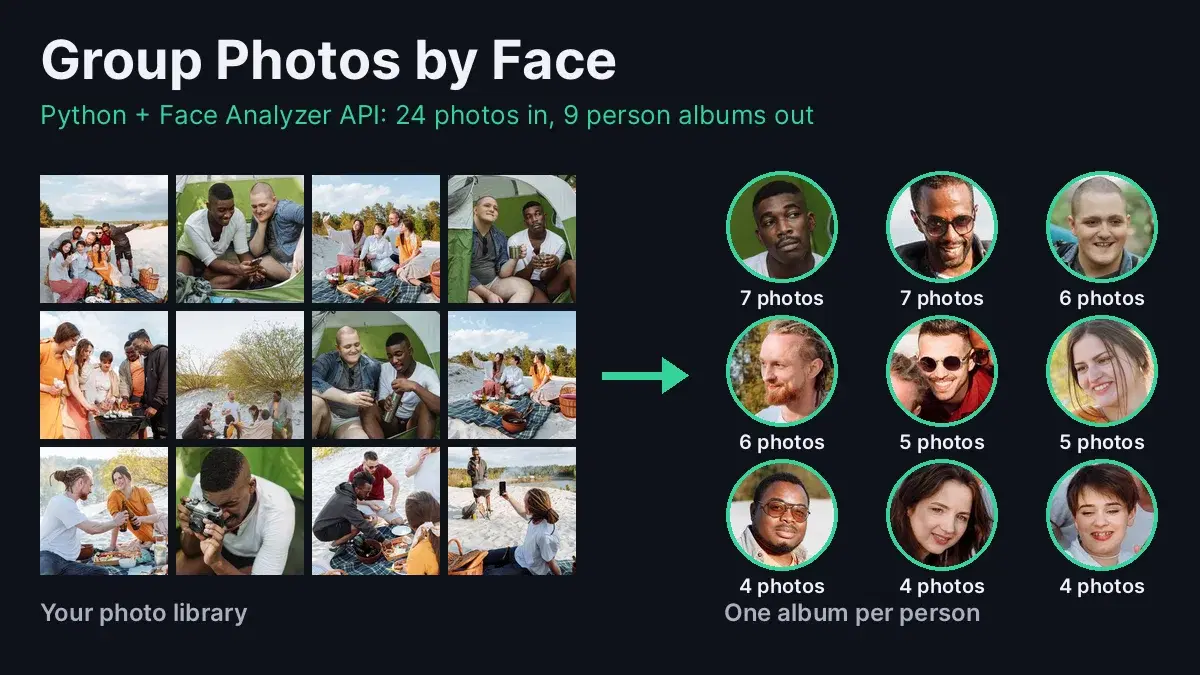
Everything runs on the Face Analyzer API: no model to download, no dlib to compile. The code below ran as is on a real library of 24 photos from two outings, a camping trip and a beach picnic, and every number in this article comes from that run.
How Grouping Photos by Face Works
- Detect every face in each photo with
/faceanalysis, which returns one bounding box per face. - Crop each face, since the repository search looks at the main face of the image it receives.
- Match or create: search the crop in a face repository. A match above the threshold gives you the person's label; no match means a new person.
- Remember the face under that label, so the person is recognized from more angles in the next photos.
- Build albums from the labels, and keep the repository to sort new photos as they arrive.
Step 1: Create a Face Repository for the Library
The repository stores the faces you have seen, each with a label. One repository per library (or per user in an app) keeps searches fast and makes deletion a single call:
import io
import os
import shutil
import requests
from concurrent.futures import ThreadPoolExecutor
from PIL import Image, ImageOps

BASE = "https://faceanalyzer-ai.p.rapidapi.com"
HEADERS = {
    "x-rapidapi-host": "faceanalyzer-ai.p.rapidapi.com",
    "x-rapidapi-key": "YOUR_API_KEY",
}
LIBRARY = "my-photo-library"
MIN_SIMILARITY = 90

r = requests.post(
    f"{BASE}/create-facial-repository",
    headers=HEADERS,
    data={"repository_id": LIBRARY},
)
print(r.json())
# {'statusCode': 200, 'body': {'message': 'OK'}}
Step 2: Detect and Crop Every Face
/faceanalysis returns a box for each face as fractions of the image size, so the same code works at any resolution. A 40% margin around the face keeps the hair and chin, which helps the match:
def detect_faces(path):
    """Return the photo path and the bounding box of every face in it."""
    with open(path, "rb") as f:
        r = requests.post(f"{BASE}/faceanalysis", headers=HEADERS, files={"image": f})
    return path, [face["boundingBox"] for face in r.json()["body"]["faces"]]

def crop_face(path, box, margin=0.4):
    """Cut one face out of the photo, with a margin, as JPEG bytes."""
    im = ImageOps.exif_transpose(Image.open(path)).convert("RGB")
    w, h = im.size
    x1, y1 = box["topLeft"]["x"] * w, box["topLeft"]["y"] * h
    x2, y2 = box["bottomRight"]["x"] * w, box["bottomRight"]["y"] * h
    mx, my = (x2 - x1) * margin, (y2 - y1) * margin
    face = im.crop((
        int(max(0, x1 - mx)), int(max(0, y1 - my)),
        int(min(w, x2 + mx)), int(min(h, y2 + my)),
    ))
    buf = io.BytesIO()
    face.save(buf, "JPEG", quality=92)
    return buf.getvalue()
A photo without anyone in it, like the close-up of the picnic food in our library, returns an empty faces list and is simply skipped.
Step 3: Match Each Face or Start a New Person
Each crop is searched in the repository. If the best match scores at least 90 out of 100, the face belongs to that person; otherwise it gets a new label. Either way, the face is saved under its label, so every person collects samples from several angles as the library is read. Detection runs in parallel; matching runs in order, so two faces of the same new person cannot create two labels at once:
def who_is(face_jpg):
    """Return the label of the closest known person, or None for a new face."""
    r = requests.post(
        f"{BASE}/search-face-in-repository",
        headers=HEADERS,
        files={"image": ("face.jpg", face_jpg)},
        data={"repository_id": LIBRARY},
    )
    matches = [
        m for m in r.json()["body"].get("FaceMatches", [])
        if m["Similarity"] >= MIN_SIMILARITY
    ]
    if not matches:
        return None
    return max(matches, key=lambda m: m["Similarity"])["ExternalImageId"]

def remember(face_jpg, person):
    """Save the face under the person's label, so later photos match it too."""
    requests.post(
        f"{BASE}/save-face-in-repository",
        headers=HEADERS,
        files={"image": ("face.jpg", face_jpg)},
        data={"repository_id": LIBRARY, "external_id": person, "max_faces": "1"},
    )

people = {}  # person label -> names of the photos they appear in

def sort_photos(folder):
    """Detect faces in parallel, then match each face to a person in order."""
    paths = sorted(os.path.join(folder, n) for n in os.listdir(folder))
    with ThreadPoolExecutor(max_workers=4) as pool:
        detected = list(pool.map(detect_faces, paths))
    for path, boxes in detected:
        for box in boxes:
            face_jpg = crop_face(path, box)
            person = who_is(face_jpg)
            if person is None:
                person = f"person_{len(people) + 1}"
                people[person] = set()
            remember(face_jpg, person)
            people[person].add(path)
    return sum(len(boxes) for _, boxes in detected)

faces = sort_photos("photos")
print(faces, "faces,", len(people), "face groups")54 faces, 16 face groupsStep 4: Build One Album per Person
A person seen in three photos or more gets an album. Faces seen only once or twice, like a head turned away or a passer-by out of focus, go to unsorted so the albums stay clean. A photo with several people is copied into each of their albums:
MIN_PHOTOS = 3

def build_albums(out_dir="albums"):
    """Copy each photo into the album of every person in it."""
    shutil.rmtree(out_dir, ignore_errors=True)
    for person, paths in people.items():
        album = person if len(paths) >= MIN_PHOTOS else "unsorted"
        os.makedirs(os.path.join(out_dir, album), exist_ok=True)
        for path in paths:
            shutil.copy(path, os.path.join(out_dir, album, os.path.basename(path)))
    for album in sorted(os.listdir(out_dir)):
        print(album, len(os.listdir(os.path.join(out_dir, album))), "photos")

build_albums()person_10 6 photos
person_12 4 photos
person_13 4 photos
person_14 5 photos
person_2 6 photos
person_3 6 photos
person_5 7 photos
person_6 5 photos
person_9 3 photos
unsorted 7 photosNine albums for the nine people in the library: the two campers and the seven friends at the picnic. We opened every album: each one contains a single person, in group shots, close-ups, side views, with sunglasses or behind a camera.
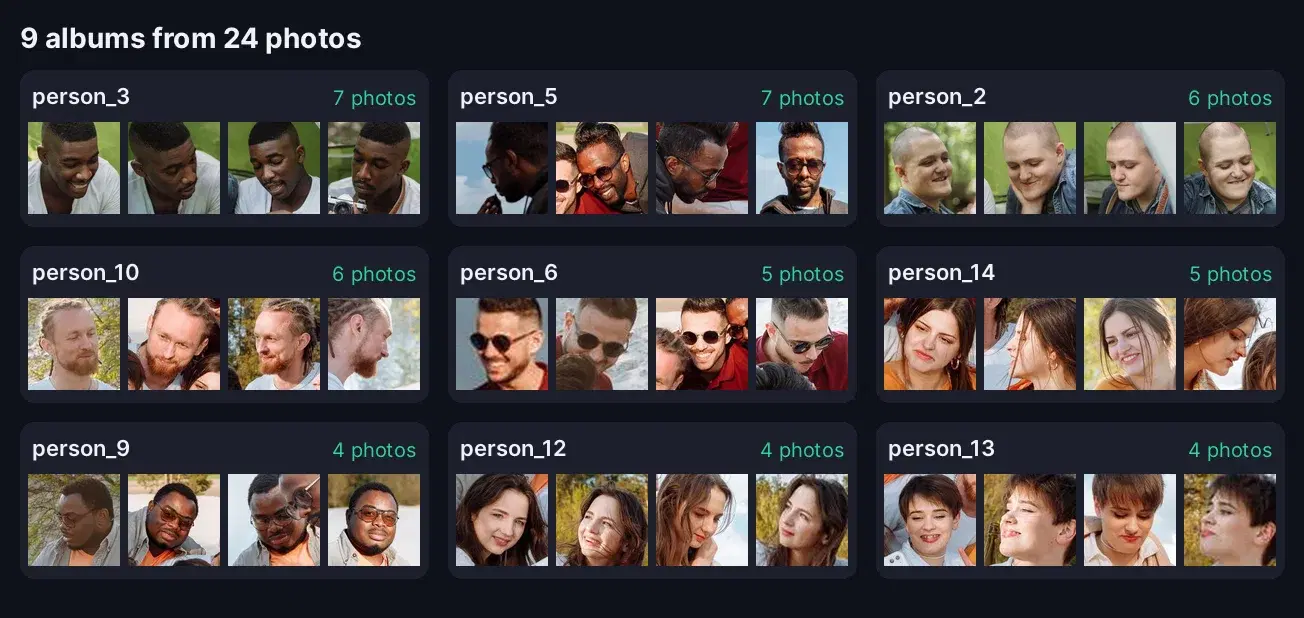
The labels are numbers because the script does not know names. In an app, show the first face of each album and let the user type a name, then store a mapping such as {"person_3": "Marcus"} next to the repository.
Step 5: Sort New Photos as They Arrive
The repository keeps every face, so new photos do not require a new pass over the whole library. Run the same function on the new folder:
before = {person: set(paths) for person, paths in people.items()}
sort_photos("new_photos")
for person, paths in people.items():
    for path in sorted(paths - before.get(person, set())):
        print(os.path.basename(path), "->", person)
build_albums()IMG_5064932.jpg -> person_3
IMG_8021122.jpg -> person_9
person_10 6 photos
person_12 4 photos
person_13 4 photos
person_14 5 photos
person_2 6 photos
person_3 7 photos
person_5 7 photos
person_6 5 photos
person_9 4 photos
unsorted 7 photosBoth new photos went straight to the right albums, the camper to person_3 (now 7 photos) and a picnic friend to person_9 (now 4), in under 3 seconds.
Why Not face_recognition and DBSCAN?
The classic tutorial approach computes a 128-number encoding per face with the face_recognition library, then clusters the encodings with DBSCAN. It works on a laptop demo, but here is what it means for a product:
| face_recognition + DBSCAN | Face Analyzer API | |
|---|---|---|
| Install | dlib ships as source only on PyPI: CMake and a C++ compiler | requests and Pillow |
| Last release | face_recognition 1.3.0, February 2020 | Hosted, updated server side |
| New photos | Re-cluster all encodings, labels can change | One search per face, labels stay stable |
| Tuning | DBSCAN eps and min_samples per library | One similarity threshold (0 to 100) |
| Children | Its README warns it mixes up children at the default 0.6 tolerance | Same code for every face |
| Storage | You store and index the encodings | The repository stores them |
Stable labels matter most in an app: once a user has named an album, a new photo must join that album, not trigger a re-clustering that renumbers everyone.
Production Tips
- One repository per user. Never mix the faces of two customers, and delete the repository with
/delete-facial-repositorywhen a user turns the feature off. - Ask for consent first. Recognizing people by their face is biometric processing under GDPR Article 9: make face grouping an opt-in setting.
- Let users merge and rename. A "same person?" prompt between two albums and a name field turn the labels into a real People view.
- Tune MIN_PHOTOS to the library size. Three photos suits a few dozen photos; a 10,000-photo library can ask for more before an album appears.
- Process in the background. Detection runs four photos at a time; run the first pass as a job after the upload and show albums as they fill.
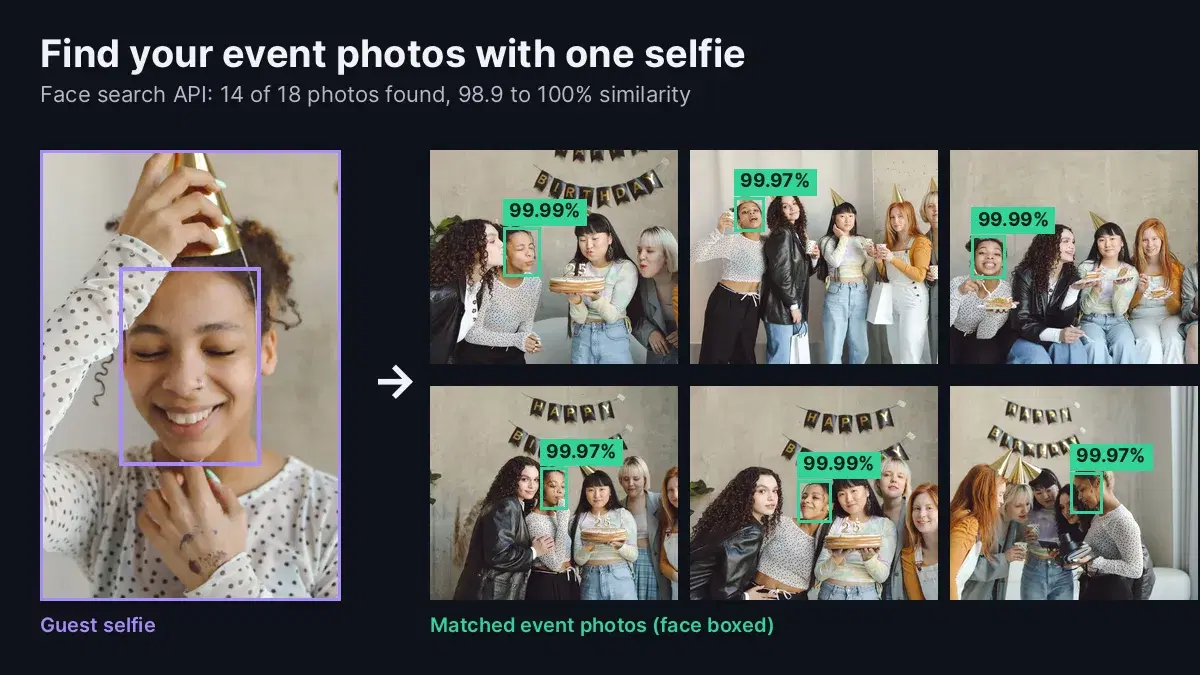
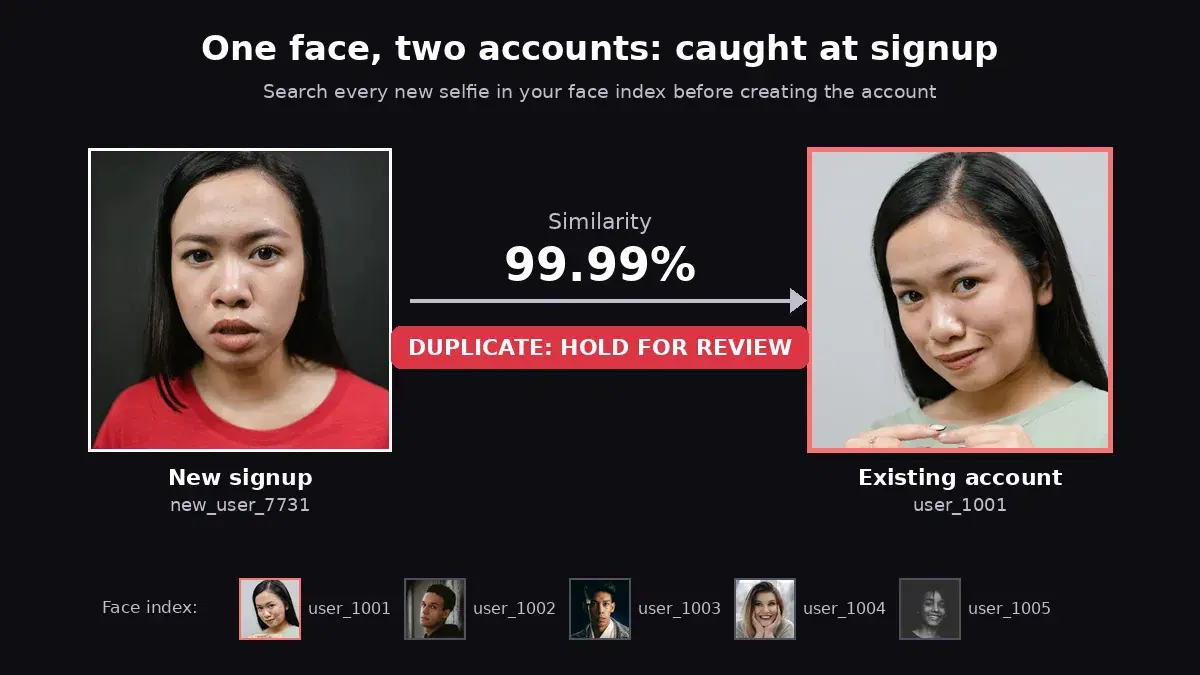
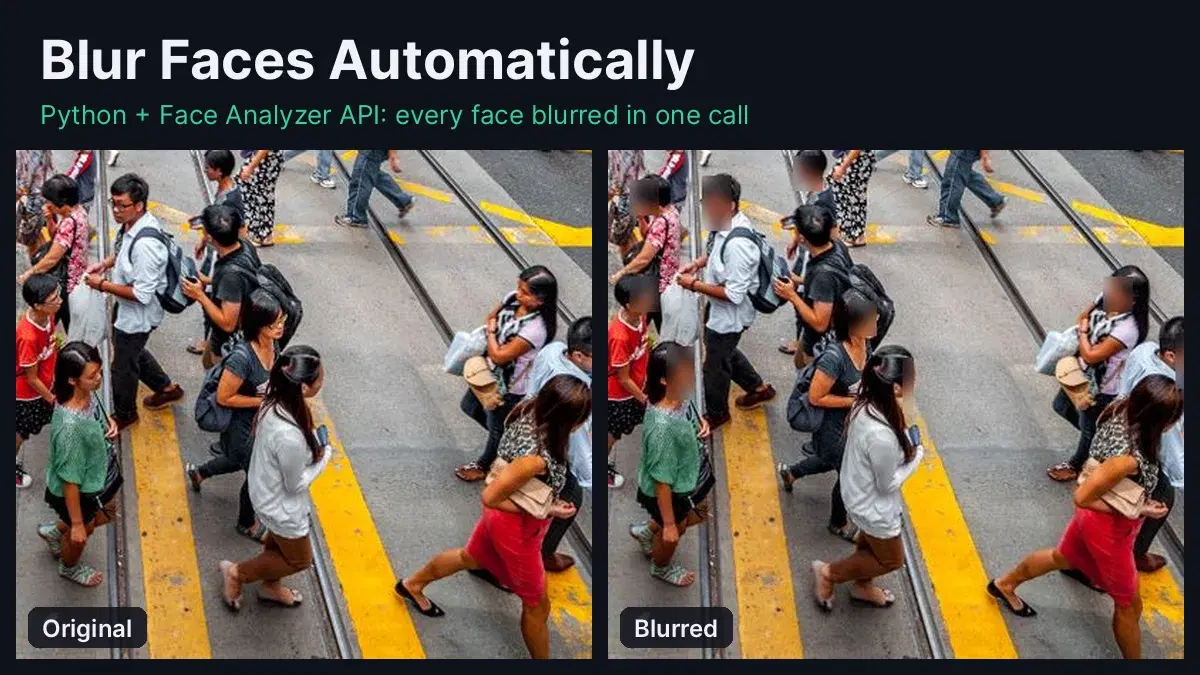
The same repository powers other features: guests can find their event photos with a selfie, and the attendance system tutorial uses it to identify staff. To hide faces instead of grouping them, see how to blur faces in Python.
Group Your Own Photos by Face
Sorting a photo library by person takes one repository, a detection call per photo and a search per face, and new photos join the right album without a full rerun. Grab a key from the Face Analyzer API page, point the script at a folder of your own photos and open the albums. A free tier is available to test it on real images.
Sources
- face_recognition on GitHub - README, tolerance and children notes; release 1.3.0 of 20 February 2020 on PyPI.
- dlib on PyPI - distributed as a source archive, built locally at install time.
- GDPR Article 9 - biometric data used to identify a person.
- Test photos on Pexels by Kamaji Ogino and Thirdman.
Frequently Asked Questions
- How do I group photos by face in Python?
- Detect every face in each photo, crop it, and search the crop in a face repository. If it matches a known person above your similarity threshold, add the photo to that person's album; if not, save the face under a new label. With the Face Analyzer API this takes under 100 lines of Python and no model to install.
- How accurate is grouping photos by face with an API?
- On a real 24-photo library from two outings, the script built 9 albums, one for each of the 9 people, and every album contains only that person, checked by eye. Two photos added later were filed in the right albums in under 3 seconds.
- Is sorting photos by face allowed under GDPR?
- Face data used to recognize a person is biometric data under GDPR Article 9. For your own library that is personal use; in an app, ask users for explicit consent before grouping their photos by face, keep one repository per user and delete it when they turn the feature off or close their account. This is not legal advice.